> For the complete documentation index, see [llms.txt](https://support.dlink.com.sg/llms.txt). Markdown versions of documentation pages are available by appending `.md` to page URLs; this page is available as [Markdown](https://support.dlink.com.sg/consumer/wi-fi-router/r15/faqs/r15-how-to-setup-router-using-eagle-pro-ai-app.md).
# R15-How to setup router using Eagle Pro AI App
{% file src="/files/EHso7XTiZHQQNvl9AmH7" %}
Existing Account
{% stepper %}
{% step %}
Search and install the free EAGLE PRO AI available on the App Store or on Google Play.
{% endstep %}
{% step %}
### Launch the EAGLE PRO AI from the home screen of your device.
{% endstep %}
{% step %}
Tap Install New Device. Scan the setup code on the device label on the bottom of the router. Follow the on-screen instructions to complete the setup.
{% endstep %}
{% endstepper %}
Hardware Setup
Device Setup
* Network setup
* Admin password
* Device name
Saving Changes
Successful Setup
Sign up for New Account
{% stepper %}
{% step %}
### Download Eagle Pro AI App from Appstore or PlayStore
{% endstep %}
{% step %}
### Create an account
a. Choose from the options
{% endstep %}
{% step %}
### Install New Device
a. Tap the + symbol to install new device
**Scan the QR Code**\
a. Located on the bottom part of the router
{% endstep %}
{% step %}
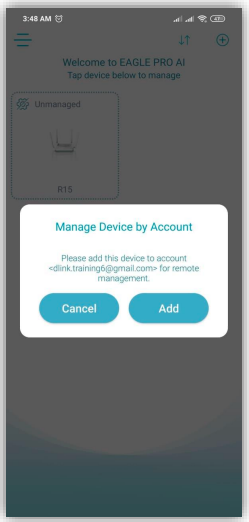
### Tap the device logo to Mange
**Add device into your created Account**
{% endstep %}
{% step %}
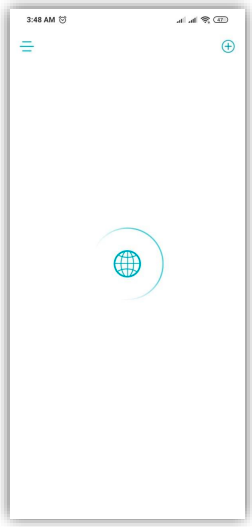
### The device will automatically connect to the Internet
**Successful Internet setup**
{% endstep %}
{% endstepper %}