> For the complete documentation index, see [llms.txt](https://support.dlink.com.sg/llms.txt). Markdown versions of documentation pages are available by appending `.md` to page URLs; this page is available as [Markdown](https://support.dlink.com.sg/consumer/wi-fi-router/r15/faqs/r15-how-to-change-web-admin-password.md).
# R15-How to change web admin password
{% stepper %}
{% step %}
### Connect your device to the Wi-Fi of the R15 router.
{% endstep %}
{% step %}
### Open a browser and type or then press Enter
*\*XXXX Last 4 digit of the router’s mac address*
{% endstep %}
{% step %}
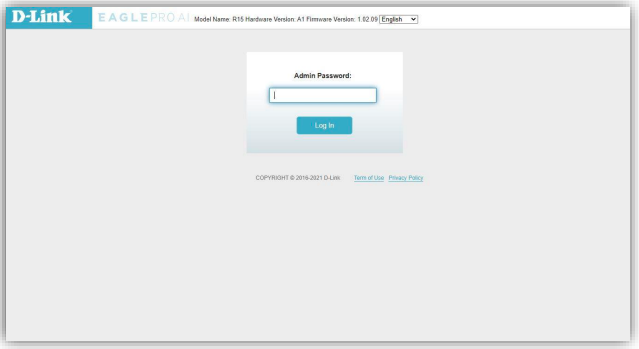
### Enter your administrator password.
*If you have not changed the default password, check on the configuration card. Click Login*
{% endstep %}
{% step %}
### Go to Management > System Admin
i. Put your desired admin password in the Password box
ii. Click Save
{% endstep %}
{% endstepper %}