> For the complete documentation index, see [llms.txt](https://support.dlink.com.sg/llms.txt). Markdown versions of documentation pages are available by appending `.md` to page URLs; this page is available as [Markdown](https://support.dlink.com.sg/consumer/wi-fi-router/covr-1100-2-or-3-pack/faqs/covr-1100-how-to-set-up-new-wifi-ssid-with-covr-d-link-wifi-app.md).
# COVR-1100-How to set up new Wifi SSID with COVR (D-Link Wifi App)
{% stepper %}
{% step %}
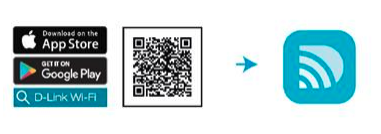
### Download the D-Link Wi-Fi app from App store.
{% endstep %}
{% step %}
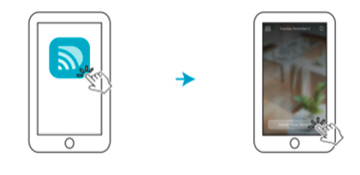
### Launch the D-Link Wi-Fi app
{% endstep %}
{% step %}
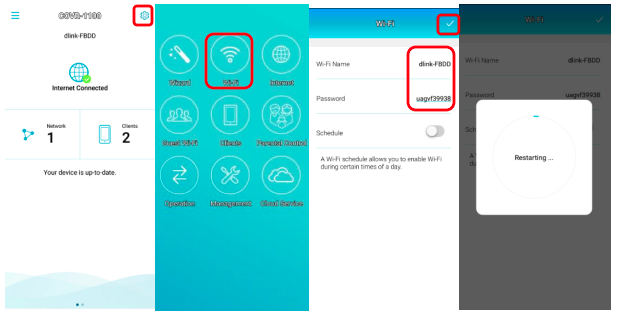
### Click the right top corner (gear icon)
{% endstep %}
{% step %}
### Click the Wi-Fi logo
{% endstep %}
{% step %}
### Change new Wi-Fi name and password and click save button (tick)
{% endstep %}
{% step %}
### The covr is restarting and it will change to new wifi name and password
{% endstep %}
{% endstepper %}