> For the complete documentation index, see [llms.txt](https://support.dlink.com.sg/llms.txt). Markdown versions of documentation pages are available by appending `.md` to page URLs; this page is available as [Markdown](https://support.dlink.com.sg/consumer/wi-fi-router/covr-1100-2-or-3-pack/faqs/covr-1100-how-to-set-up-covr-in-bridge-mode.md).
# COVR-1100-How to set up COVR in bridge mode
{% stepper %}
{% step %}
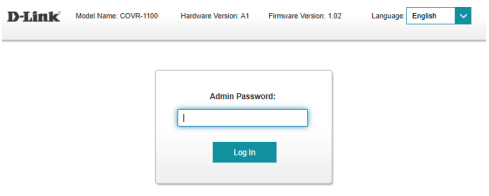
Connect the second set Covr to computer with lan cable. Open your Internet browser (Internet Explorer/Firefox) and enter
{% endstep %}
{% step %}
### Enter your admin password and tap, Log In
{% endstep %}
{% step %}
### Tap on Settings, and then Operation
{% endstep %}
{% step %}
### Select Bridge Mode, then tap Save
{% endstep %}
{% step %}
### Tap OK
{% endstep %}
{% step %}
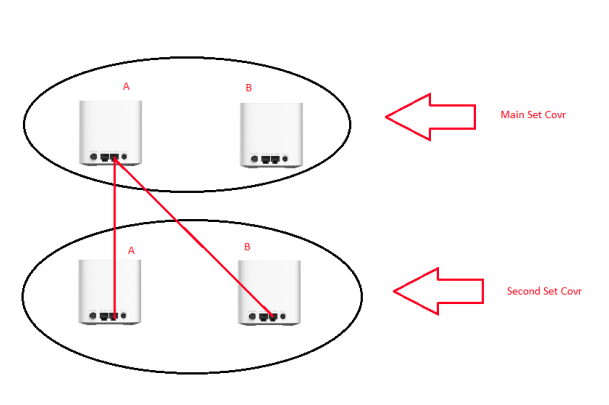
Connect the Main set Covr A (Ethernet port) to Second set Covr A (Ethernet port) with network cable. Turn on power socket at second set Covr A, wait the LED light up solid white (within 3-5 minutes). Once the Covr A LED light solid white and it’s completed pair, you can disconnect the network cable from Second set Covr A. Repeat the step for second set Covr B until light up solid white.
{% endstep %}
{% endstepper %}